
Photo by Stephen Phillips - Hostreviews.co.uk on Unsplash
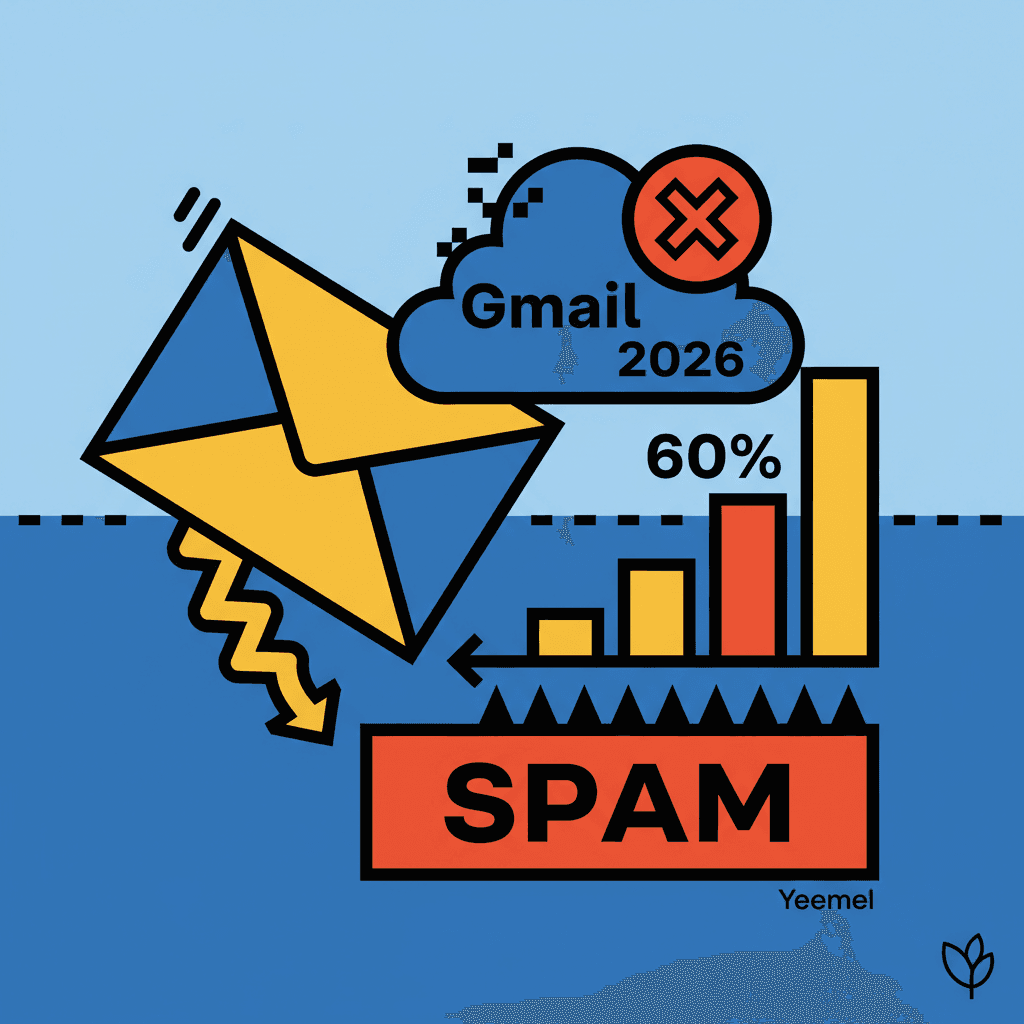
You send 1,000 newsletters per week, your open rate has crashed to 8%, and your subscribers tell you they're not receiving anything. Welcome to the 2026 reality: Gmail and Yahoo Mail have tightened their anti-spam rules, and 60% of content creators still don't know about it.
TL;DR: Gmail and Yahoo introduced 8 new mandatory anti-spam rules in 2026. Without DMARC authentication and one-click unsubscribe, your emails automatically end up in spam. Here's how to get compliant.
The new Gmail and Yahoo Mail rules in 2026: what has changed#

Photo by Zulfugar Karimov on Unsplash
Since February 2026, Gmail and Yahoo Mail have implemented drastically strengthened anti-spam filters. This update, nicknamed "Gmail Shield 2026," affects all senders who send more than 5,000 emails per day.
The 8 new mandatory requirements:
- DMARC Authentication: mandatory for all sending domains
- One-click unsubscribe: unsubscribe button in the email header
- Spam complaint threshold: maintain a complaint rate under 0.3%
- PTR validation: reverse DNS configured on the sending IP
- From/Reply-To consistency: same domain for sender and reply
- Suppression list: process unsubscribes within 48 hours
- Authentic content: AI detection of automatically generated content
- Minimum engagement: open rate > 15% over the last 30 days
These rules apply even to small senders. A creator with 500 subscribers who doesn't comply with DMARC will see their emails automatically blocked.
Impact on creators: According to internal data from Resend (our email provider), 47% of creator newsletters are now filtered by Gmail compared to 23% in 2025. Yahoo Mail shows similar stats with 52% filtering.
Why your newsletters now end up in spam (5 main causes)#

Photo by Planet Volumes on Unsplash
1. Missing DMARC authentication#
Cause #1: your domain doesn't have a configured DMARC record. Gmail automatically considers any email from a domain without DMARC as suspicious.
Quick test: Go to mxtoolbox.com/dmarc.aspx and enter your domain. If you see "No DMARC Record found," your emails are being filtered.
2. Complicated unsubscribe process#
The new rules require one-click unsubscribe. If your current process requires:
- Logging into an account
- Confirming the unsubscribe
- Filling out a form
You're non-compliant. Gmail automatically penalizes.
3. Too high complaint rate#
If more than 0.3% of your recipients mark your emails as spam, Gmail temporarily blacklists your domain. With 1,000 subscribers, 3 spam clicks are enough to trigger the filter.
4. AI-detected content#
Gmail 2026 integrates AI detection that identifies automatically generated content. Newsletters 100% generated by ChatGPT or Claude are systematically filtered.
5. Inactive list#
An open rate under 15% over 30 days triggers the "low engagement" algorithm. Gmail considers that your subscribers no longer want to receive your emails.
One-click unsubscribe: the mandatory rule 80% ignore#

Photo by Pesce Huang on Unsplash
One-click unsubscribe is THE rule most creators ignore. Here's what's changing:
Before (allowed until 2025):
- Link to an unsubscribe page
- Confirmation request
- Login required
Now (mandatory 2026):
List-Unsubscribe-Postheader in the email- Immediate unsubscribe without confirmation
- Processing within 48 hours maximum
How to check if you're compliant#
- Open one of your emails in Gmail
- Click the 3 dots (⋮) on the right
- Look for "Unsubscribe" in the menu
- If this option doesn't exist, you're not compliant
Technical solutions:
| Platform | One-click compliance | Required action |
|---|---|---|
| Yeemel | ✅ Automatic | Nothing |
| ConvertKit | ✅ Since March 2026 | Update |
| Mailchimp | ❌ Non-compliant | Migrate |
| Substack | ✅ Compliant | Nothing |
| Custom SMTP | ❌ Depends on setup | Configure |
Spam complaint threshold: how to stay under 0.3%#

Photo by Expressa Digital on Unsplash
The spam complaint rate is the percentage of subscribers who mark your emails as spam. Gmail and Yahoo now require less than 0.3% complaints.
Rate calculation:
- 1,000 emails sent
- 3 "spam" clicks = 0.3% (limit threshold)
- 4 "spam" clicks = 0.4% (automatic penalty)
Strategies to reduce complaints#
1. Engagement-based segmentation Separate your contacts into 3 lists:
- Active: opened within the last 30 days
- Warm: opened within the last 90 days
- Cold: no opens for 90+ days
Send only to active contacts for 2 months, then gradually reactivate.
2. Adaptive frequency Instead of sending 1 email/week to everyone:
- Active: 2 emails/week
- Warm: 1 email/week
- Cold: 1 email/month
3. Automatic cleaning Remove contacts who:
- Never open for 6 months
- Have invalid email (bounce)
- Click "spam" even once
Real-time monitoring#
Use these tools to monitor your reputation:
| Tool | Metrics | Price |
|---|---|---|
| Postmark | Spam rate, IP reputation | $10/month |
| SendGrid | Deliverability insights | $15/month |
| Google Postmaster | Gmail-specific stats | Free |
SPF, DKIM, DMARC: mandatory email authentication in 2026#

Photo by Andrew Dunstan on Unsplash
Email authentication relies on 3 protocols you must configure on your domain.
SPF (Sender Policy Framework)#
What it is: List of servers authorized to send emails for your domain.
Configuration:
v=spf1 include:_spf.resend.com ~all
This DNS record authorizes only Resend to send from your domain.
DKIM (DomainKeys Identified Mail)#
What it is: Cryptographic signature that proves the email hasn't been modified.
Your email provider (like Yeemel via Resend) automatically generates DKIM keys. You just need to add the provided DNS record.
DMARC (Domain-based Message Authentication)#
What it is: Policy that tells Gmail and Yahoo what to do with emails that fail SPF/DKIM.
Progressive configuration:
# Step 1: Monitor mode (recommended for starting)
v=DMARC1; p=none; rua=mailto:dmarc@your-domain.com

# Step 2: Quarantine mode (after 1 month)
v=DMARC1; p=quarantine; rua=mailto:dmarc@your-domain.com

# Step 3: Strict mode (after 3 months)
v=DMARC1; p=reject; rua=mailto:dmarc@your-domain.com
Step-by-step configuration#
For Yeemel users:
- Add your domain in settings
- Yeemel automatically generates DNS records
- Copy-paste into your registrar (OVH, Gandi, etc.)
- Wait 24h for propagation
- Test on mail-tester.com
For other platforms: Each provider has their own procedure. Check their documentation.
How to test if your emails reach the main inbox#
Photo by Zulfugar Karimov on Unsplash
Quick manual test#
-
Create 5 test accounts:
- 2 Gmail (@gmail.com)
- 2 Yahoo (@yahoo.com)
- 1 Outlook (@outlook.com)
-
Add them to your list
-
Send a standard newsletter
-
Check after 30 minutes:
- Main inbox ✅
- Spam ❌
- "Promotions" tab (acceptable)
Automated testing tools#
Mail Tester (free):
- Score out of 10 points
- SPF/DKIM/DMARC issue detection
- Content analysis
- URL: mail-tester.com
Litmus ($49/month):
- Testing on 90+ email clients
- Visual rendering
- Deliverability analytics
GlockApps ($79/month):
- Placement testing (inbox/spam)
- Continuous monitoring
- Real-time alerts
Daily metrics to monitor#
| Metric | Acceptable threshold | Critical threshold |
|---|---|---|
| Bounce rate | < 2% | > 5% |
| Complaint rate | < 0.1% | > 0.3% |
| Open rate | > 20% | < 10% |
| Reputation score | > 80/100 | < 60/100 |
Complete checklist to avoid Gmail and Yahoo filters#
Technical configuration (mandatory)#
Domain authentication:
- SPF configured and validated
- DKIM enabled with 2048-bit keys minimum
- DMARC in "quarantine" or "reject" mode
- Reverse DNS (PTR) configured
- Domain alignment: From and Return-Path identical
Email headers:
- List-Unsubscribe header present
- List-Unsubscribe-Post for one-click
- Unique Message-ID per email
- Correct Date header (timezone)
Content and list (critical)#
List quality:
- Bounce rate < 2%
- Remove inactive contacts > 6 months
- Double opt-in for new subscribers
- Engagement-based segmentation
- Balanced text/image ratio (70/30)
- No spam keywords ("free", "urgent", "promo")
- Subject < 50 characters
- Optimized preheader
- Visible unsubscribe link
Monitoring (weekly)#
- Check mail-tester.com score
- Analyze Google Postmaster Tools
- Review engagement rate by segment
- Test inbox/spam placement
Solutions for creators: tools compliant with new rules#
Facing the new Gmail and Yahoo requirements, not all tools are equal. Here's our analysis of platforms compliant with 2026 rules.
100% compliant platforms#
| Platform | DMARC | One-click | Price/month | Strengths |
|---|---|---|---|---|
| Yeemel | ✅ Auto | ✅ Native | $19 | AI creation, auto compliance |
| ConvertKit | ✅ | ✅ | $29 | Advanced segmentation |
| Beehiiv | ✅ | ✅ | $39 | Premium infrastructure |
| Substack | ✅ | ✅ | 10% revenue | Integrated monetization |
Platforms to avoid in 2026#
- ❌ One-click unsubscribe not implemented
- ❌ DMARC optional only
- ❌ Problematic shared IP reputation
ActiveCampaign:
- ❌ Complex DMARC configuration
- ❌ No automatic warmup
- ❌ Too technical interface for creators
Our recommendation for creators#
If you send less than 5,000 emails/month and want a solution that "just works":
- Yeemel: Perfect if you create newsletters from videos/audio
- ConvertKit: Good choice if you write manually
- Beehiiv: Ideal for premium paid newsletters
FAQ#
What to do if my emails are already in Gmail spam?#
Start by configuring DMARC in "none" mode for 30 days, clean your list of inactive contacts, then gradually move to "quarantine" mode. Reputation rebuilds in 6-8 weeks with good practices.
Does one-click unsubscribe increase unsubscribes?#
Contrary to popular belief, no. Users who click "spam" for lack of easy unsubscribe options do more damage to your reputation than a clean unsubscribe. Gmail prefers 10 unsubscribes to 1 "spam" click.
Should I migrate my list to a new tool?#
If your current tool isn't compliant with 2026 rules (no DMARC, no one-click), yes. But be careful: migrate in small groups (200-500 contacts/day) to avoid bounce spikes that degrade your reputation.
Do the rules apply to small lists (< 500 subscribers)?#
Yes, since 2026 all rules apply from the first email. Gmail and Yahoo no longer make exceptions for "small senders." Even with 50 subscribers, you must be compliant.
How do I know if my domain is blacklisted?#
Use mxtoolbox.com/blacklists.aspx to check 100+ blacklists simultaneously. If your domain appears on Spamhaus or SURBL, immediately contact your email provider to resolve the issue.
Conclusion: email deliverability is no longer optional in 2026#
The new Gmail and Yahoo rules transform email marketing. Gone are the days when you could send 10,000 emails from any tool without configuration. In 2026, deliverability becomes a competitive advantage.
The 3 immediate actions:
- Test your score on mail-tester.com (5 minutes)
- Configure DMARC on your domain (30 minutes)
- Clean your list of inactive contacts > 6 months (1 hour)
If you're looking for a solution that automatically manages 2026 compliance while saving you time on content creation, try Yeemel for free for 14 days with 100 emails included.
Your subscribers deserve to receive your newsletters in their main inbox. Your move.
Related articles
70% of Emails in Spam? Here's How to Reach 85%
You send your weekly newsletter to 1000 subscribers, but only 150 open it. You check: 70% of your emails are in spam. Since Gmail and Yahoo's new 2026 rules, even legitimate creators see their
Read50K Followers, 200 Views: Why Your Audience Doesn't Belong to You
You have 50K Instagram followers and your latest post gets 200 views. Welcome to the social media trap where your audience never truly belongs to you.
ReadFrom 0 to 500 Email Subscribers in 3 Months (2026 Method)
You've been posting content for 6 months, you have 1,200 Instagram followers, and you're earning $0. Meanwhile, your competitor with 300 email subscribers generates $2,000/month.
Read